Compatible with Chrome and Edge
Instruction Guide
We have a simple tutorial guide which explains the features of the software extension and what each button inside the extension does. Read our tutorial and welcome guide on how to use the extension to the fullest. Use all the features of this browser software.
If you are interested in other web extensions to install, you might wish to check out the Microsoft Bing Search with Rewards extension.
Microsoft Bing Search with Rewards Extension
It allows you to complete daily offers to get points.
Track the number of points you have currently and the rewards you can redeem with these points.
The ways to get points & get rewarded is search with Bing, browse with Microsoft Edge and shop at the Microsoft and Windows stores to earn rewards.
Sponsored Link:
Other useful extensions
Another extension which would be useful to install is the iCloud bookmarks extension.
It allows to keep your Chrome bookmarks on Windows synced up with the Safari bookmarks on your iPhone, iPad, and Mac.
iCloud will store your website bookmarks so it is accessible even on your iPhone and Mac.
Try these other two extensions and see if it will boost your daily productivity.
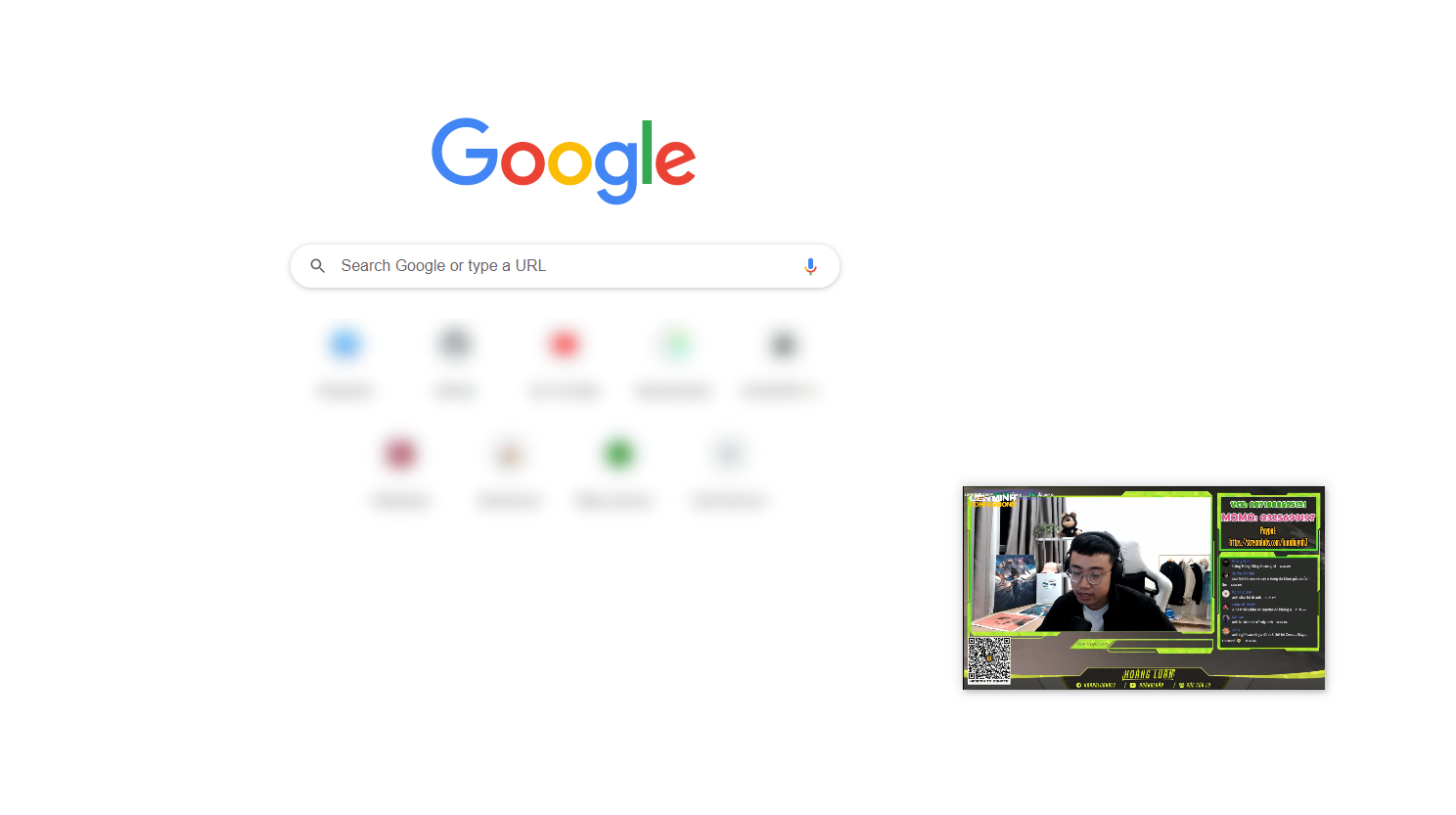
Free! Put in a video as floating in the window watch video using Picture-in-Picture.
Features:
Install and open.
- After installing the extension. You click on the icon when you are on the webpage which has the video you want to make floating.
Picture-in-picture (PiP) is a video display feature where the video being watched stays in a small window while other content is viewed on the rest of the screen. It is commonly used to watch videos while doing something else, such as working or playing games.
Picture-in-picture can be used on both Android and iOS devices. A PiP app is required for this feature to work properly on Android devices, but it only works with certain apps on iOS devices.
Benefits of Picture in Picture
Picture-in-picture allows you to multitask by watching videos or listening to music while performing other tasks on your device. You can also use picture-in-picture when you are in a group setting, such as watching a movie with friends or family members.
Some of the benefits include:
Watching videos at any time: With picture-in-picture, you don't have to wait until an entire video has finished before starting another one. You can start watching a new video as soon as one finishes playing, which means that you can watch multiple videos at once or even watch the same video multiple times without having to wait for it to finish playing each time before starting again.
If you are interested in making your own videos and become a Youtube creator, check out some of the software below.
There are many different types of video editors. Some are free, while others are paid.
Here are some popular desktop video editors:
Adobe Premiere Pro
Apple Final Cut Pro X
Avid Media Composer
HitFilm Pro
Magix Movie Edit Pro Plus (formerly known as Vegas Movie Studio)
Tutorial:
- Install the Extension
-
After installing the extension, click on the icon
 on the toolbar.
Sponsored Link: